PS4 Upgrade
These are notes for myself, unlikely to be of use to others. It might be rewritten later into something much larger
Kat and I play completely different games on the PS4 and it is nice to have some ‘occasional’ games (or ‘worthy games I’m sure I’d really enjoy if I got into them) on the system as well. We’ve been having to keep deleting things to make space and our constant switching has also meant quite a lot of looking at load screens.
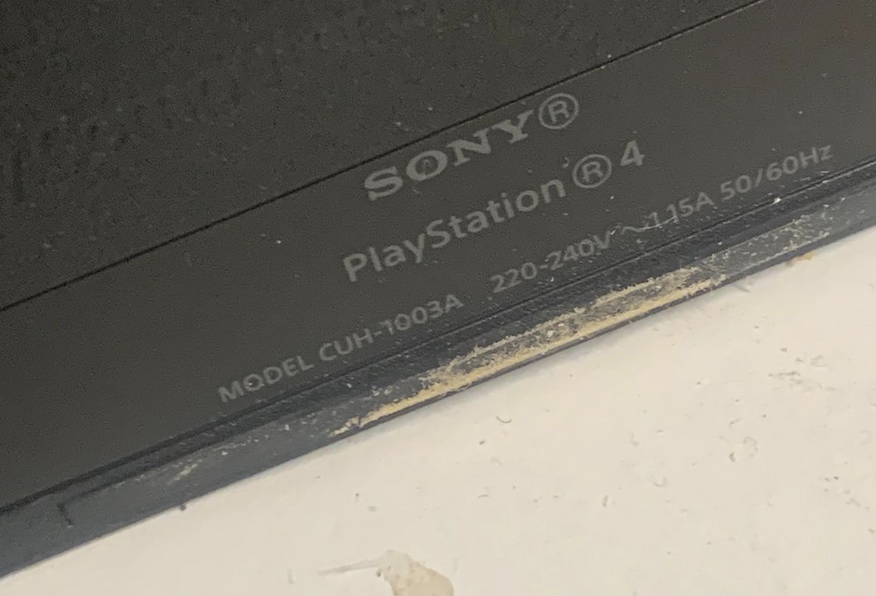
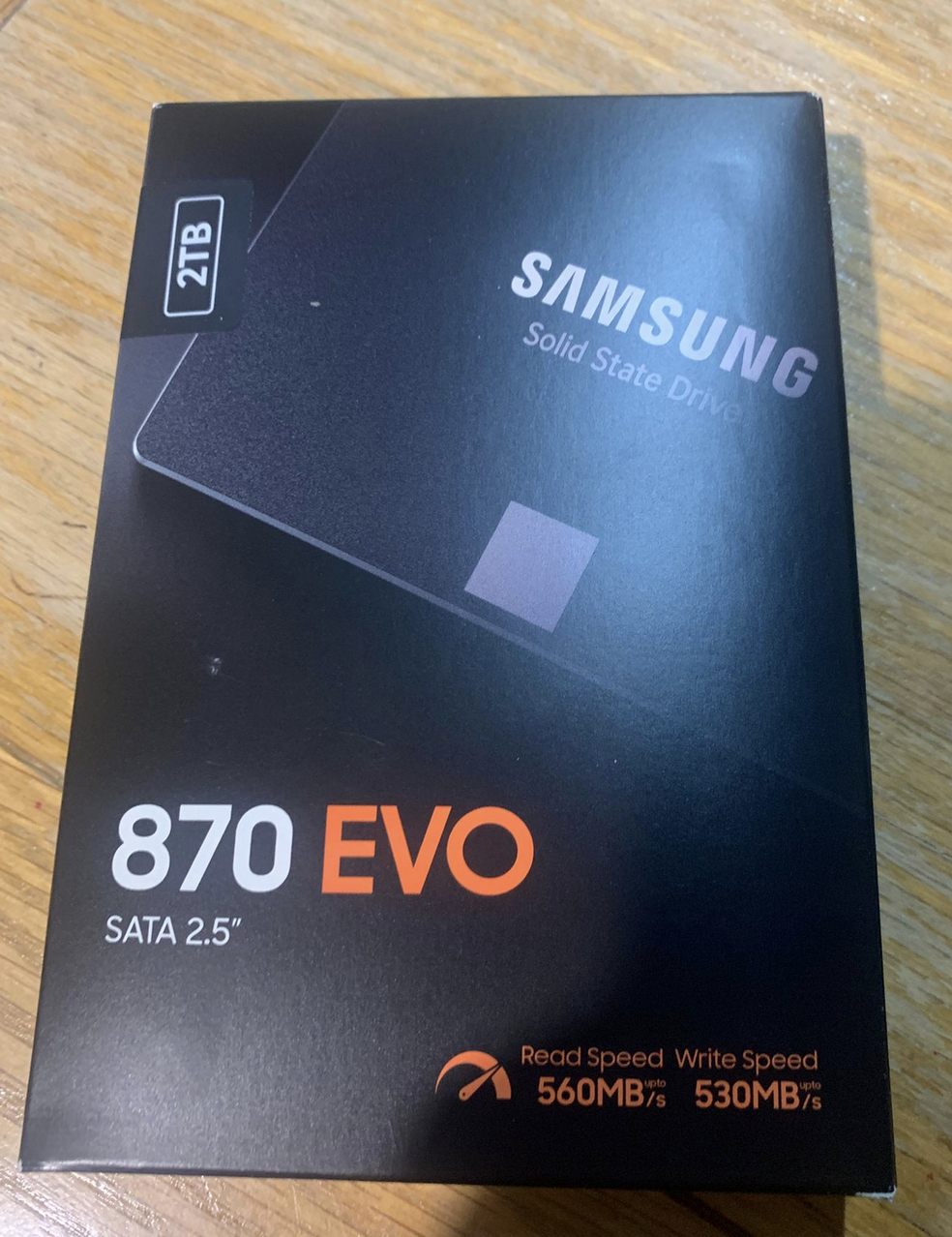
I have a CUH-1003A model (so: launch-version) PS4. Until now it has had a 500GB HDD drive. As a treat, I have updated it to a 2TB Samsung 870 EVO SSD, with the view that it will improve loading times and space.
I used a combination of the offical site, with some YouTube (unexpectedly, the official site was much better.
After putting the new hard drive in, I installed what I think of as being the “PS4 OS” via USB stick. One nice thing was that I downloaded the (1gb!) installation file onto my phone before transferring it across. I don’t think it saved me any time but it was cool…
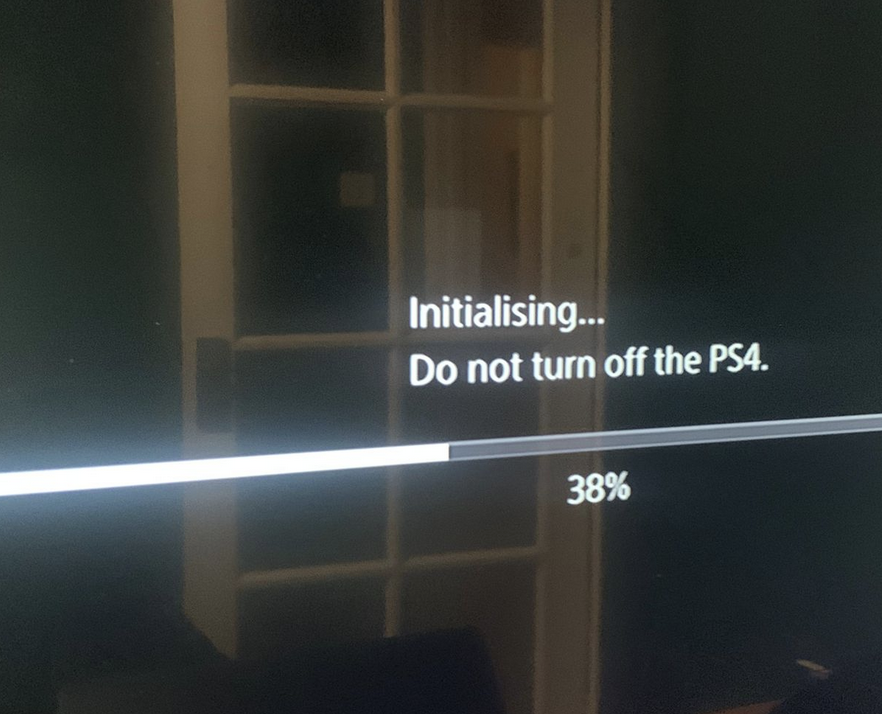
The rest of the process is the sort of thing you can have on in the background while doing something else. Periodically you press a button to make something happen. Over the course of the next day I periodically poked it into downloading something else. I now have much more storage and it’s slightly faster to load games. Honestly I was expecting a lot more in terms of speed.
The internet suggested that the PS4 would now be quieter (because less noise from HDD and less heat, so less fan). However, for me it sounds like an aircraft taking off. The other thing that surprised me is that plugging it into my 4k tv during this process (as opposed to the old computer monitor in the garage) is a very different experience! Certainly the next upgrade is looking like it should be to the screen (which I already upgraded once!)